
Vaadin 25 quietly unlocks something I’ve been waiting for as a component developer for years: Flow’s Element API can now create and modify DOM elements in the SVG and MathML namespaces.
It’s a tiny change with big consequences—and it somehow slipped past the release notes.
What are SVG and MathML?
- SVG (Scalable Vector Graphics): A web standard for drawing crisp, resolution‑independent graphics (icons, charts, diagrams) directly in the page using markup—so you can style and interact with shapes like you would with other HTML elements.
- MathML (Mathematical Markup Language): A web standard for representing mathematical formulas in a structured, readable way in the page—so equations can be rendered as real content (not just images) and can be styled, selected, and sometimes interacted with like other web elements.
What changed?
Flow now lets you specify a custom namespace for an Element (like the browser DOM). The namespace:
- inherits from the parent unless explicitly set, and
- is implicitly correct for svg and math/MathML elements (similar to how modern browsers handle SVG/MathML in HTML).
That’s it. A small PR, huge unlock.
Why it matters
Once SVG (and MathML) elements are first-class in the Element API, you can do the same things you already do with HTML DOM:
- read and update attributes without string templating
- build element trees programmatically
- attach event listeners to specific DOM nodes
- execute JS on the elements
In practice, this means your can now in custom components, in pure Java, do things like:
- update a particular polyline inside complex vector graphics
- highlight a specific region in a chart or diagram
- add click listeners to polygons/segments within your custom component
- treat SVG as a real interactive component surface, not “markup as a string”
Goodbye SVG string-building
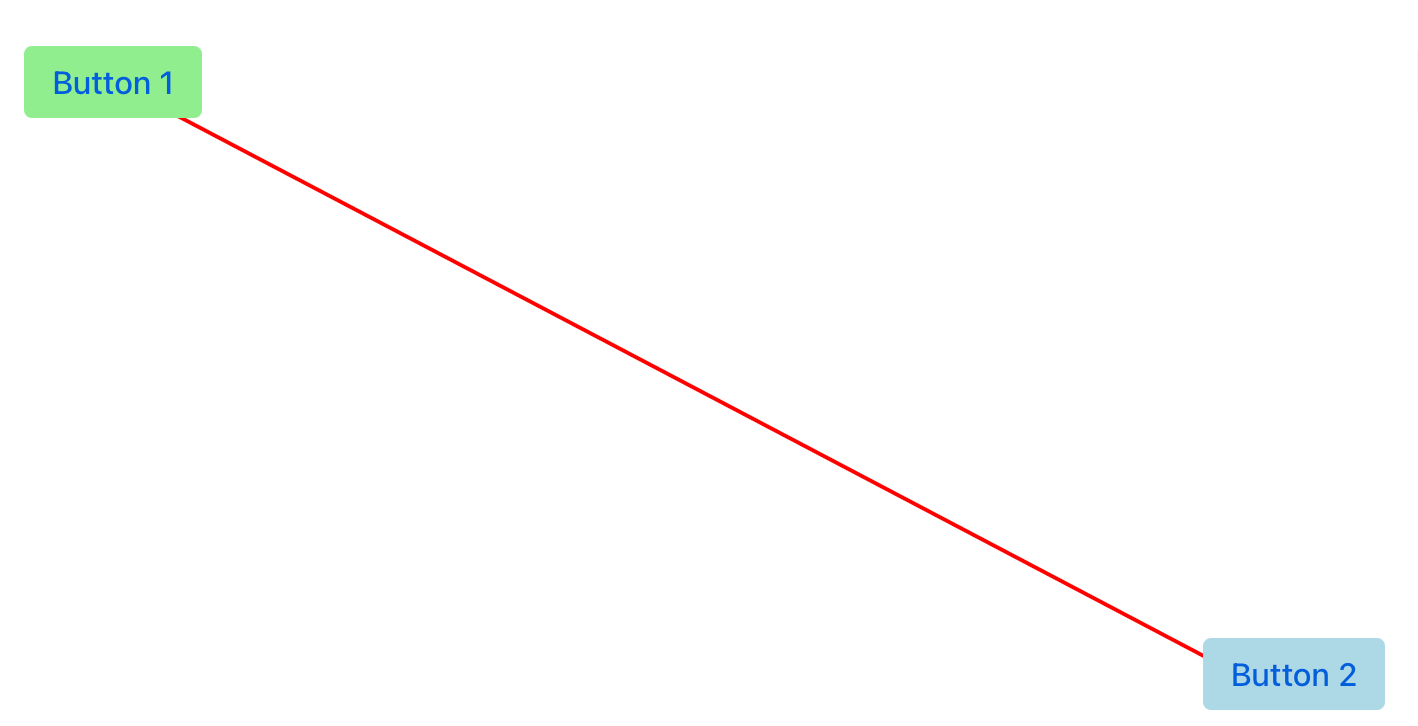
A simple example of using SVG to draw a connecting line between two Vaadin components.
One obvious place I wanted to revisit was my older “100% Java” SVG work: drawing lines between components. That approach technically worked, but it was mostly string formatting—not very type-safe, and not very fun once the SVG grew beyond trivial. With the Svg component in Vaadin, you have been able to show vector graphics, but essentially only a prebuilt SVG string.
With Vaadin 25, you can build and update the SVG via Element API instead: structured DOM, incremental changes, listeners—all from Java. In a bigger SVG DOM tree, there would also be performance benefits, as only the coordinates need to be updated if the line is re-drawn. Below you’ll see a utility component extracted from my new example.
A fun real-world test: clickable wind rose
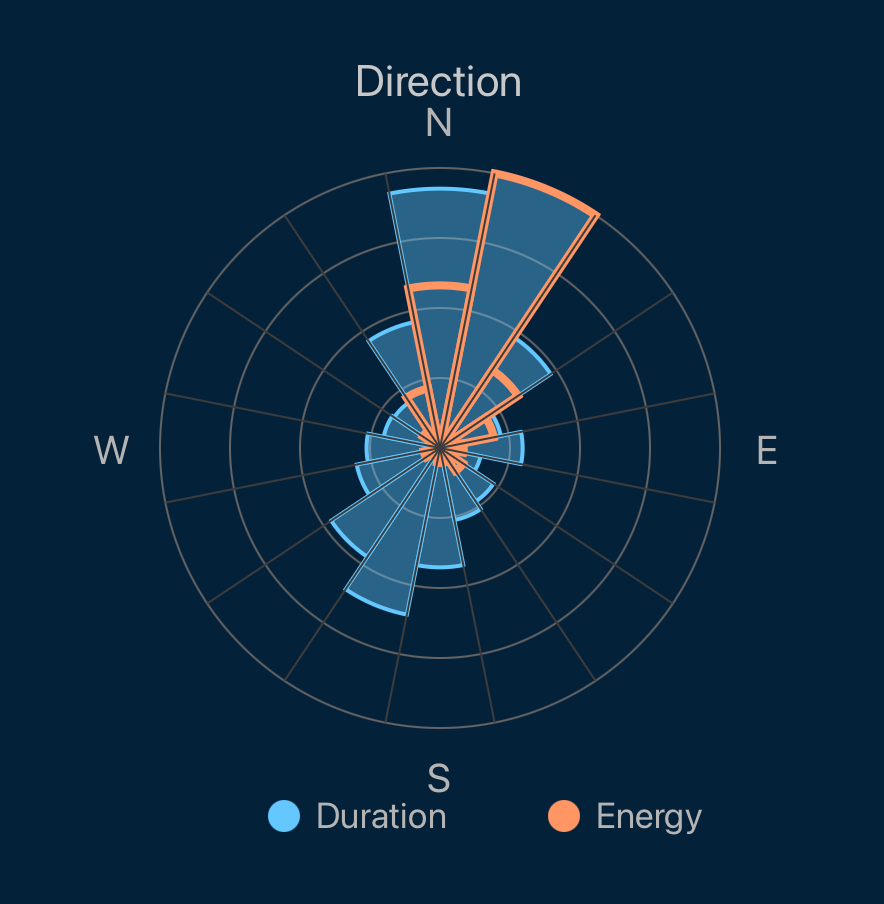
A screenshot of a wind rose visualization built with Vaadin 25.
In my private weather monitoring (and fishing log) app, I built a wind rose diagram as an SVG-based visualization component. I’m pretty sure there would have been existing JS widgets, but maintaining or customising this will be trivial for me as the geometry/math logic is written in Java.
To test event handling, the wind rose segments are clickable, and clicks notify Java listeners server-side. That’s exactly the kind of “interactive SVG component” work that now feels natural in Flow.
SVG gotcha: camelCased attributes
There is still one sharp edge worth knowing when starting to utilize SVG in your Vaadin components. Vaadin Flow has a long-standing behavior of lowercasing attribute names (fine for HTML, because browsers tend to be forgiving there). But SVG includes some attributes where case matters.
The most common ones you’ll hit are likely viewBox and preserveAspectRatio. If those silently don’t work, it might be because they became viewbox / preserveaspectratio. As a workaround you can in some situations set those attributes using a JS call or use a custom Element implementation that disables lowercasing (e.g. SvgElement in Viritin, discussed below).
Helper classes: typed SVG API for component authors
The raw Element API is a great building block, but when writing SVG-heavy components I quickly wanted more typed, discoverable, IDE-friendly helpers—especially for things like path data where “just a string” is easy to mess up.
That’s why I added SVG helper classes to Viritin: most common SVG elements (rect, circle, polyline, path, …) and even basic SMIL animation elements have better typed counterparts. They extend Element, but offer a cleaner, more type-safe API intended for component internals (like the Element class, not supposed to be used directly in app views).
Example (heart path):
This produces an element like:
<path d="M50.0,30.0 C50.0,0.0,-40.0,0.0,50.0,85.0 C140.0,0.0,50.0,0.0,50.0,30.0 Z" fill="crimson"></path>
Under the hood, it’s still just setting SVG attributes—now with fewer footguns and better readability.
I also quickly noticed that in most cases, one never really reads back the attributes from the elements. Thus, the default attribute setters also use a “fire-and-forget” principle, so that for example, long path definitions are not kept in the server memory (note, this can be desired in certain cases, RW postfixed variants are available for that purpose).
Links / examples
- Flow PR (namespace support)
- Full line drawing example
- SVG examples using Viritin’s API enhancements
- Wind rose + sparkline SVG visualizations add-on in the Directory